
新着情報
- 2023.10.10 【お知らせ】 【NEW】株式会社 メタバース総研のサイトにて紹介されました
- 2021.08.05 【お知らせ】 AE Project - マラソンコース in 札幌に標高表示機能を追加しました
- 2021.07.30 【お知らせ】 AE Project - マラソンコース in 札幌を公開しました
- 2021.07.12 【お知らせ】 AE Project - マラソンコース in 札幌【公開予告】
岩根研究所グループ紹介動画
岩根研究所グループ紹介動画
映像がそのまんま3D地図になる!!
だから画像で自己位置標定!!!

- 図化工程なし
- 1/500で誤差±15cmの高精度
- 点群を使わない
- サーバ/クラウドで共有可
3D映像の収集と活用サービス
空撮・地上撮を含め、屋外から屋内まで、3D映像地図による
シームレスな空間情報の収集からその応用まで、幅広い展開が可能です。
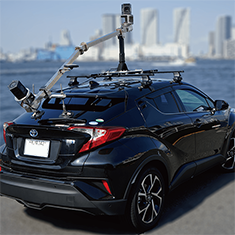
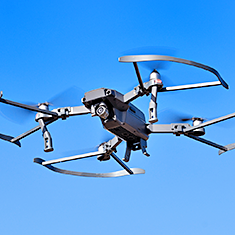
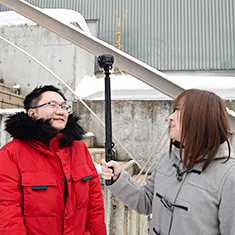
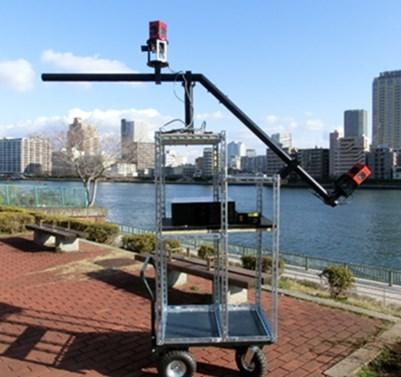
状況と環境に合わせて3D空間情報を取得
撮影された3D映像地図のアプリケーション
CVMap活用の為の各プラットフォーム
基本ALV2.0
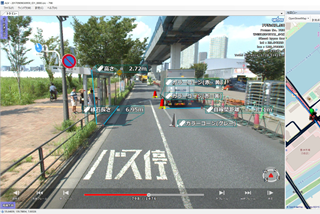
CV映像を活用するデスクトップ版の基本アプリケーション。
共有WebALV3.1
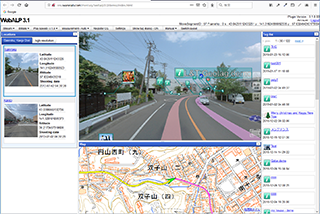
ブラウザ上で稼働するインストール不要の3次元映像プラットフォーム。APIを使用したお客様によるサイト開発も可能。
立体化MAX ALV
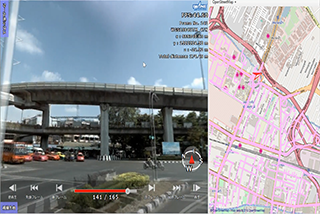
空間に網の目状に並んだ無数の映像を座標統合して3Dモデルのように軌跡を越えて行きたい場所へ滑らかに移動。
3DモデリングCVCG Modeler
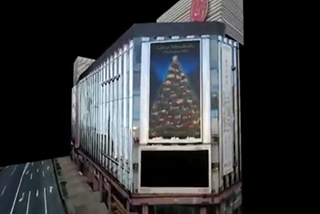
CV映像を直接デジタイズして3Dポリゴンを抽出。そのままテクスチャとして合成。
2D変換Ortho Creator
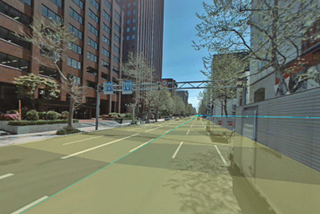
CV映像から2Dの高解像度オルソ画像(GeoTIFF)を自動生成。高精度にも対応できます。
DB更新ALVforArcGIS
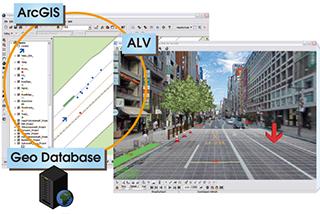
実績豊富なArcGISと連携した本格的な施設データベース構築アプリケーション。
様々な応用分野
- Society5.0/スマートシティ
- i-Construction/インフラマネジメント
- 施設管理/点検/防災
- VR/AR
- 自己位置標定 (車両やロボット、スマートフォン等の高精度ポジショニング)
活用シーン
道路管理分野
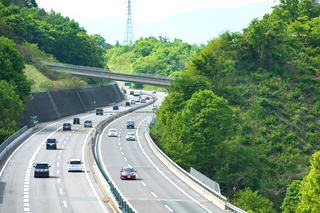
道路維持管理全般に役立つ直感的でビジュアルなシステムをご提供します。
施設管理/点検分野
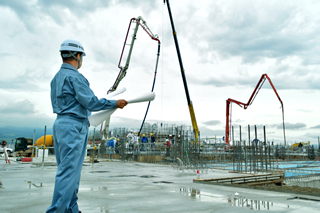
様々な施設の管理に適しています。発見した問題個所や経年変化による点検履歴も位置情報と連携して記録できます。
土木建設/建築分野
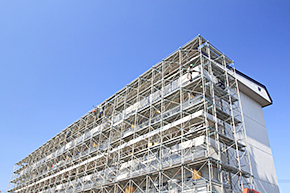
インフラや建造物の工事の進捗を定期的に撮影して行くことにより、視覚的な進捗管理や出来高管理、施主への説明が可能となります。
環境調査分野
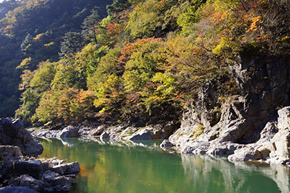
河川護岸や山林における植物等の群生状態を視覚的に記録し、確認することができます。
旅行/観光分野
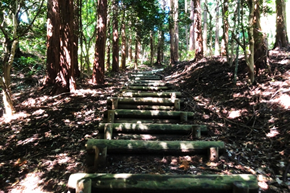
登山道の紹介や観光スポットのルート作成など。
その他の利用法

AR/VR、エンターテイメント、ゲーム、案内システムなどへの応用。